

Who is this for? Users with Administrator or Account Owner roles.
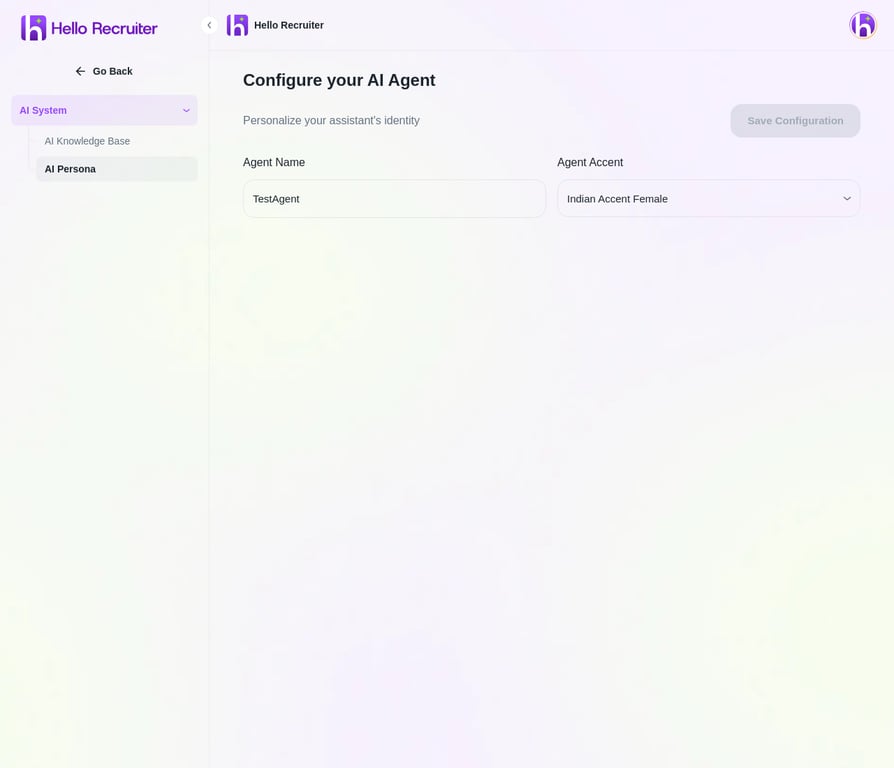
Configure your AI agent's name and voice accent
Persona Options
- Agent Name — Give your AI interviewer a name that candidates will see.
- Voice & Accent — Choose from a variety of voice options to match your brand and audience.
Configuring Your Persona
1
Navigate to AI Persona
Go to Settings → AI System → AI Persona.
2
Set the Agent Name
Enter a name for your AI interviewer. This is what candidates will see during the interview.
3
Choose Voice & Accent
Select a Voice & Accent from the dropdown menu that matches your brand.
4
Save Changes
Click Save to apply the new persona to all future interviews.