

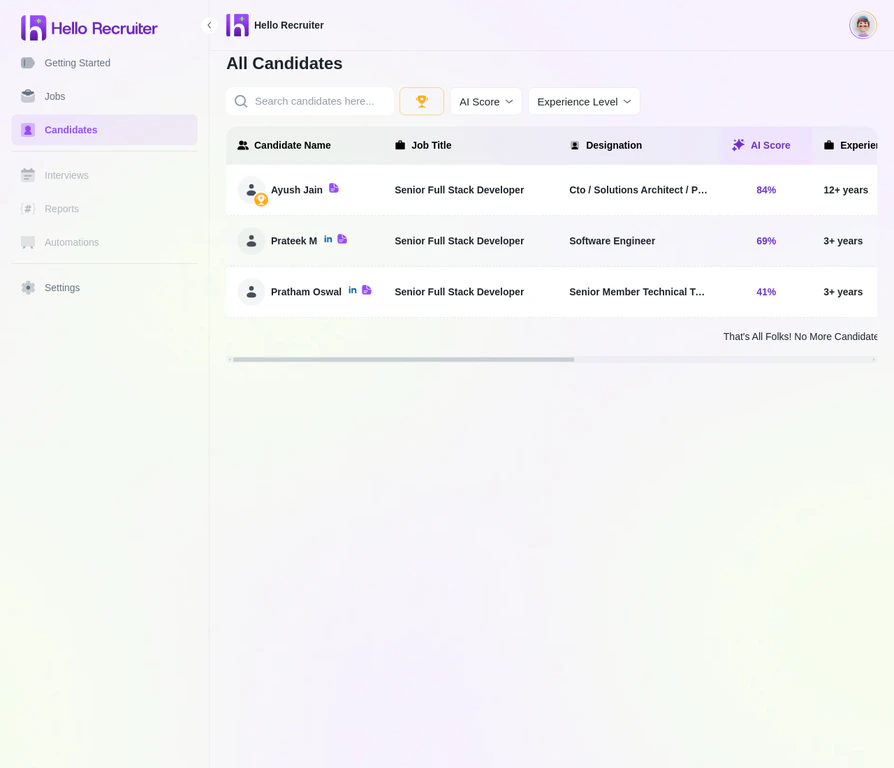
The all-candidates view with AI scores, stages, and filtering options
Accessing the Candidate List
Navigate to the Candidates section from the main sidebar to see all candidates across all jobs. To see candidates for a specific job, navigate to the Jobs section, click View Job, and then click the Candidates tab.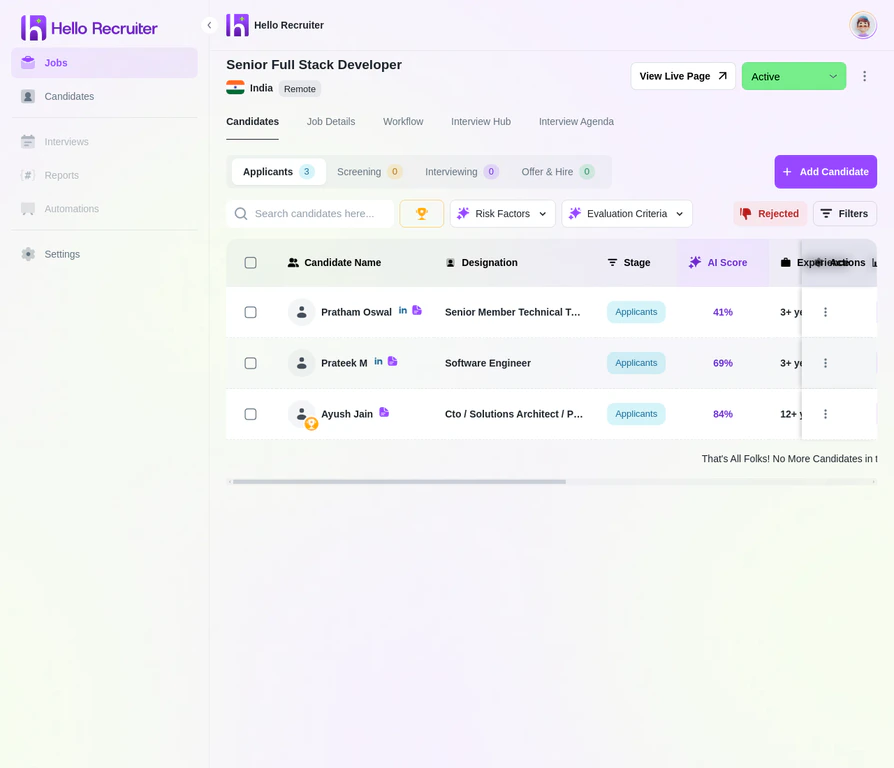
The candidate pipeline for a specific job
Candidate Statuses
Each candidate moves through a pipeline of statuses:Candidate Profile
Click on any candidate to view their detailed profile, including their resume, interview responses, scorecard, and any risk signals.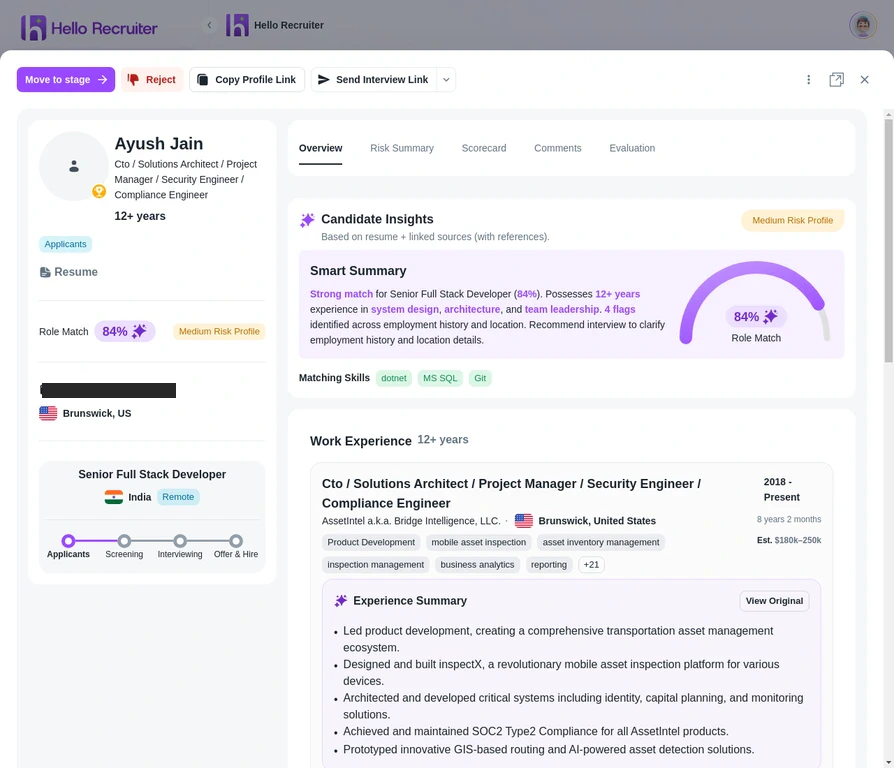
The candidate profile view
Filtering and Sorting
Use the filter bar to narrow your view:- By status — Focus on specific pipeline stages
- By score range — Find top-scoring candidates quickly
- By risk signals — Identify flagged candidates
- By date — See recent applicants first