Follow these steps to get your new job opening live and start sourcing candidates.
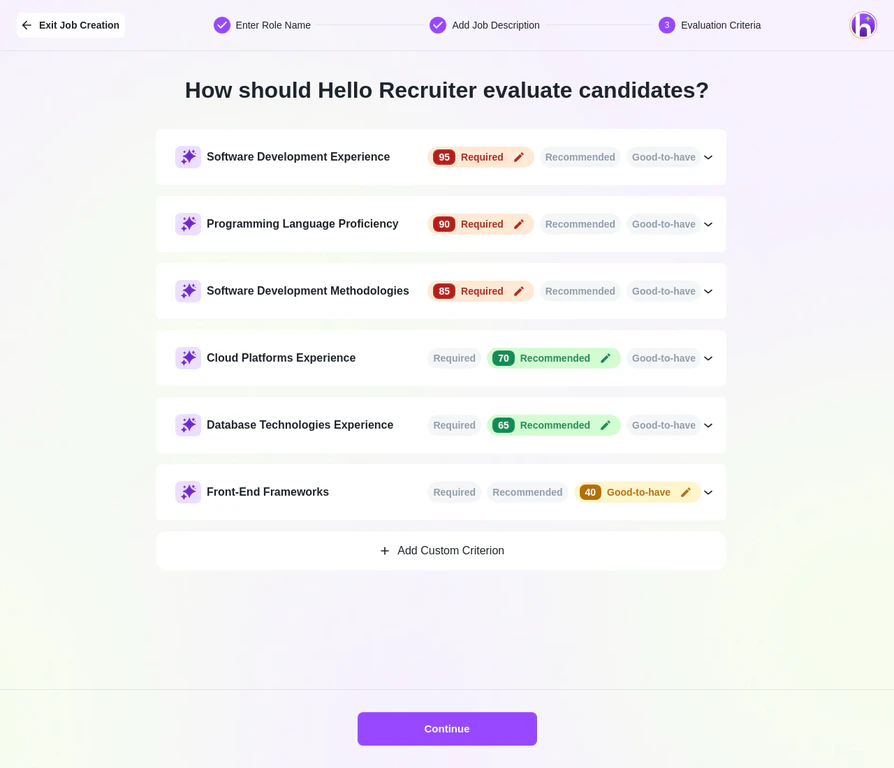
Completed job listing
Who is this for? Users with Administrator and Recruiter roles.

Step-by-Step Instructions

1

Navigate to Jobs

From your main dashboard, go to the Jobs section in the left-hand menu.
2

Create New Job

Click the + Create New Job button in the center of the page.
3

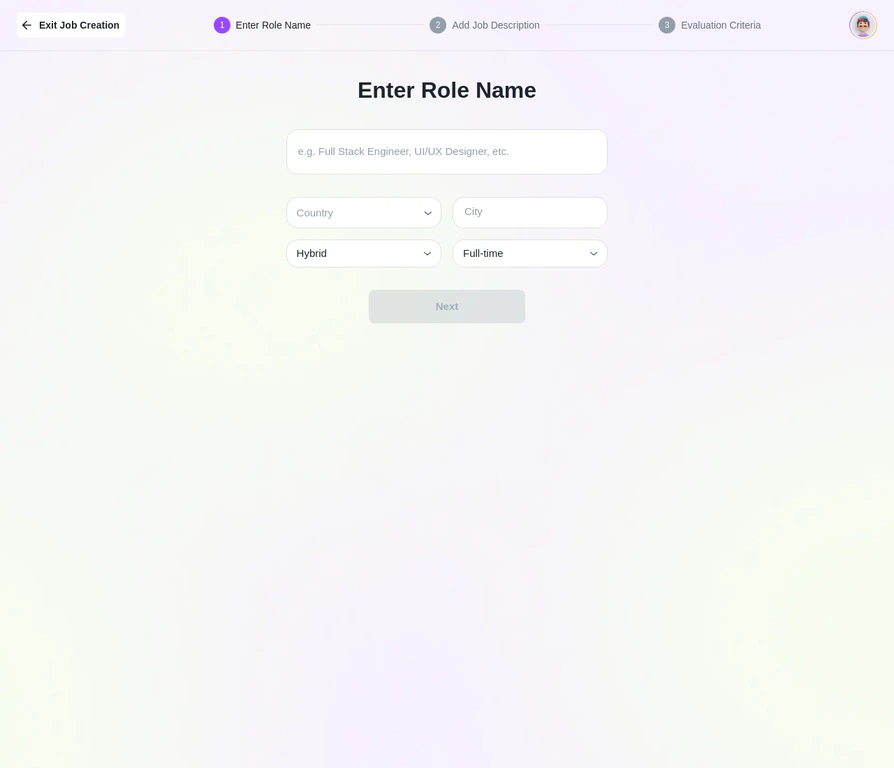
Fill in Core Details

Enter the Role Name (e.g., “Senior Software Engineer”) and basic job information like location and job type.
Jobs Create Role
4

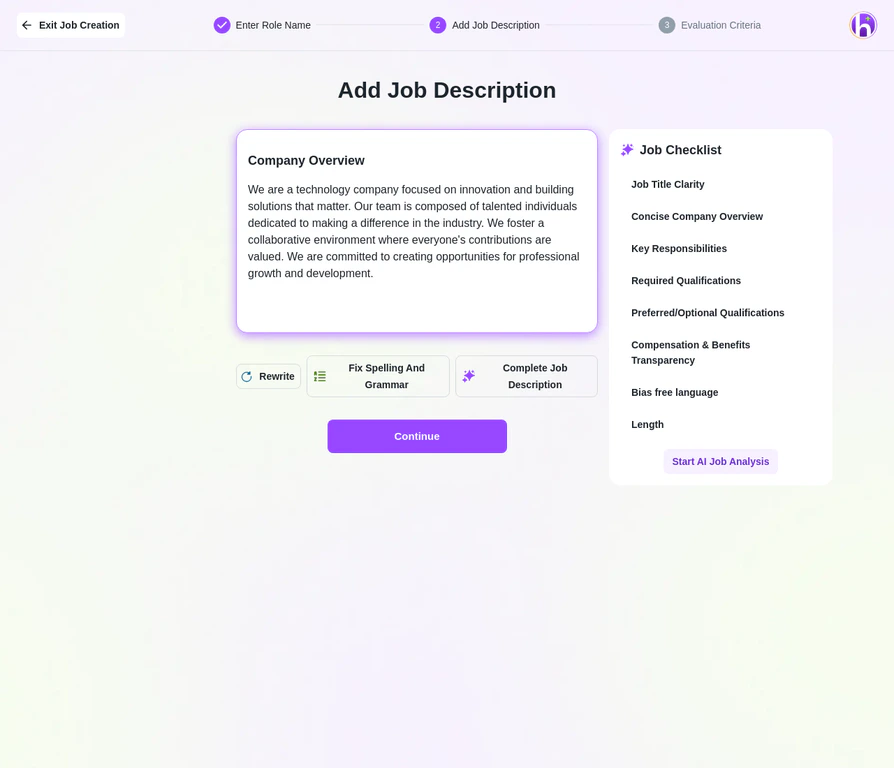
Create the Job Description

You have two options:
  • Use AI: Click Generate with AI, provide a few keywords or a simple sentence, and the AI will create a comprehensive, optimized job description for you.
  • Manual Entry: Copy and paste your existing description directly into the Job Description text box.
5

Customize Details

Complete the additional fields for Experience, Salary, Department, Skills, and select applicable Perks and Benefits.
6

Publish Your Job

Review all details, then change the status from Draft to Active. Your job will be live on your company’s career page.

Pro Tips

Leverage the AI Generator. We highly recommend using Generate with AI for your job description. It uses inclusive language and SEO best practices to attract a more diverse and qualified pool of applicants.
Double-check the hiring team. Ensure the correct Recruiter and Hiring Manager are assigned. This is crucial for sending candidate notifications and maintaining a smooth workflow.