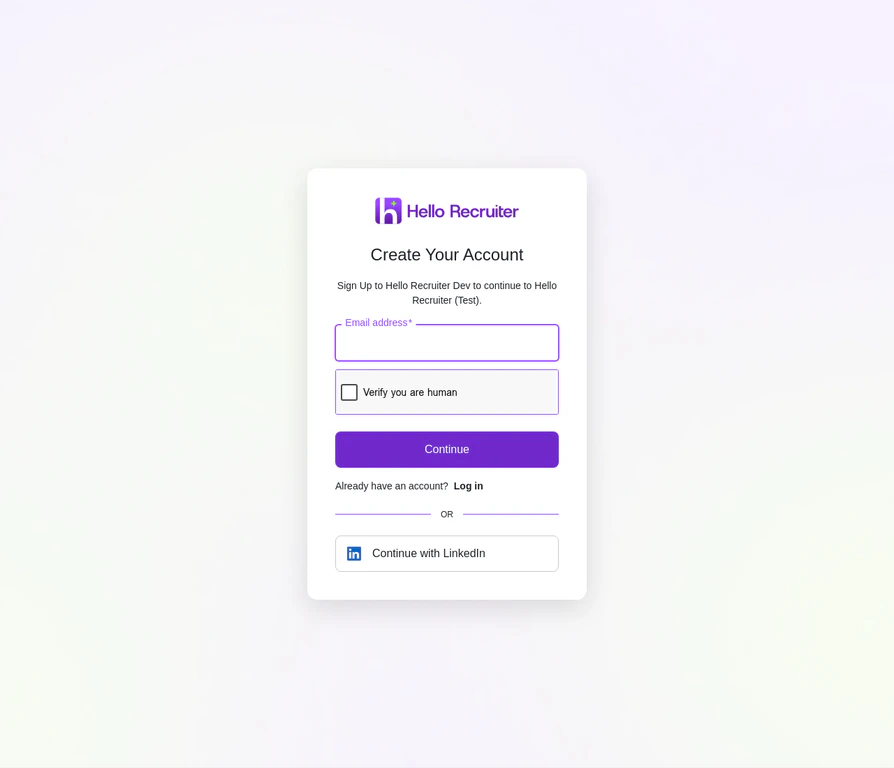
If you’re the first user, navigate to the sign-up page to create your account. If you were invited by a team member, you will receive a welcome email from Hello Recruiter. Click the Accept Invitation button inside the email.
The Hello Recruiter Sign Up Page
2
Complete Your Profile
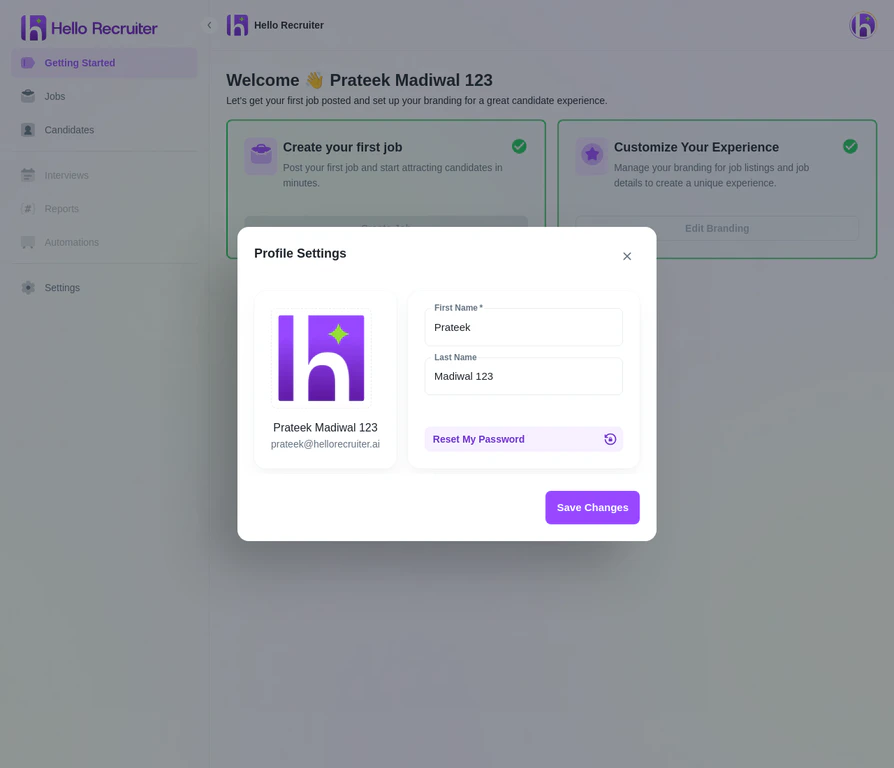
After logging in for the first time, complete your personal profile. Click the Account button in the top-right corner of the navigation bar and select Profile.
Enter your First Name and Last Name
Click Update photo to add a profile picture — we recommend a professional headshot.
User Profile Settings Modal
3
Configure Company Information
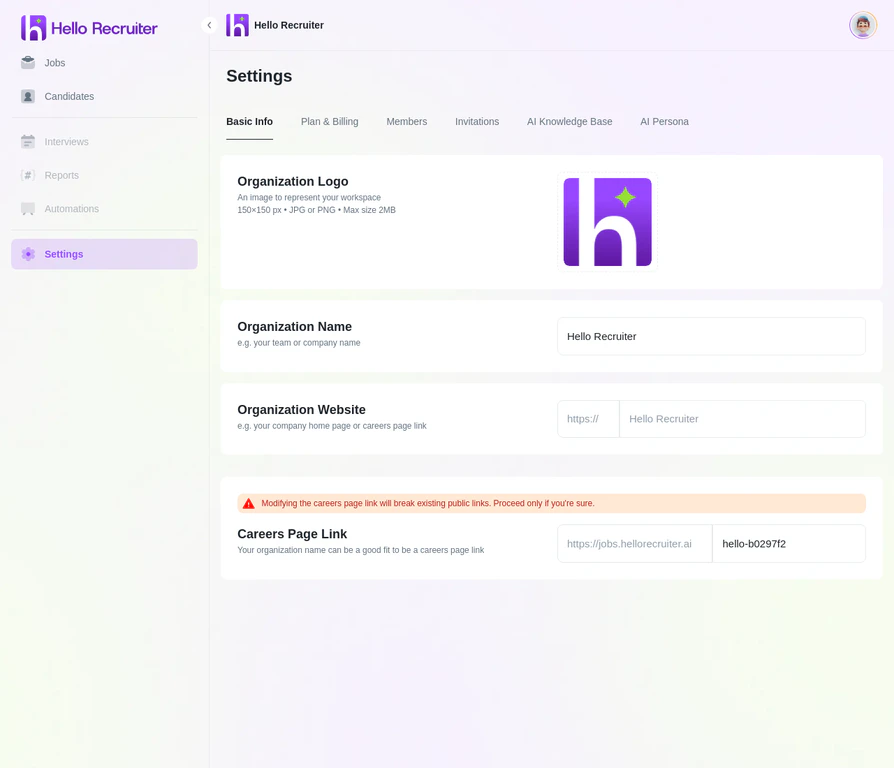
Navigate to Settings from the main sidebar. Under the Basic Info tab:
Enter your Organization’s Name
Upload your Organization Logo — this will appear on your career pages and in candidate communications.
Complete your profile fully. A complete profile with a photo helps build rapport with your team members and adds a personal touch to your communications.
Use a high-quality logo. Your company logo is a key part of your brand. Use a high-resolution version to ensure it looks sharp on your public-facing career page.