> ## Documentation Index
> Fetch the complete documentation index at: https://docs.hellorecruiter.ai/llms.txt
> Use this file to discover all available pages before exploring further.
# Viewing, Filtering & Managing Your Candidate Pipeline
> Browse candidates by status, score, and risk signals. Filter your pipeline and access profiles, resumes, and AI interview results.
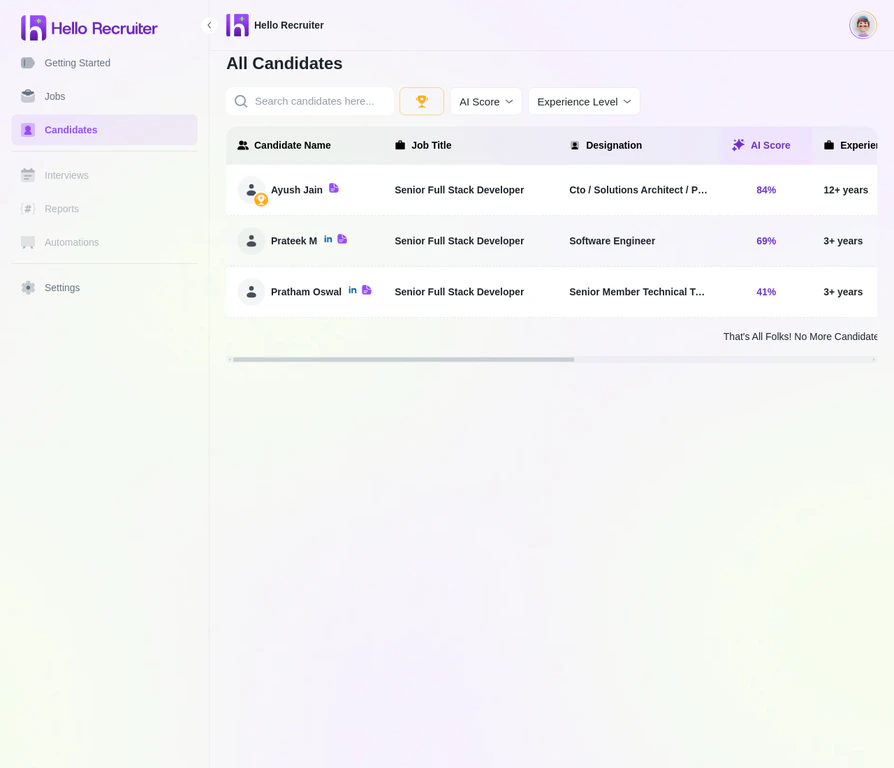
The Candidates section gives you a complete view of everyone who has applied to your jobs.
 ## Accessing the Candidate List
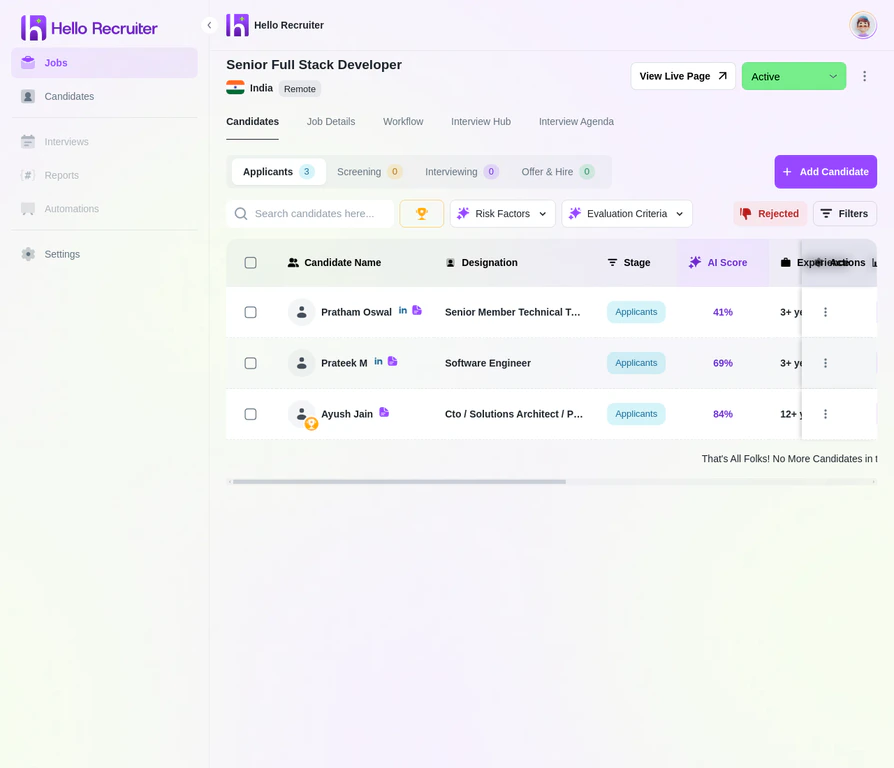
Navigate to the **Candidates** section from the main sidebar to see all candidates across all jobs. To see candidates for a specific job, navigate to the **Jobs** section, click **View Job**, and then click the **Candidates** tab.
## Accessing the Candidate List
Navigate to the **Candidates** section from the main sidebar to see all candidates across all jobs. To see candidates for a specific job, navigate to the **Jobs** section, click **View Job**, and then click the **Candidates** tab.
 ## Candidate Statuses
Each candidate moves through a pipeline of statuses:
| Status | Meaning |
| ------------------------ | ---------------------------------------------------------------------------- |
| **Application Received** | Application received, not yet reviewed |
| **Screening** | AI interview is scheduled or underway |
| **Interviews** | Candidate has completed the AI interview and is ready for further interviews |
| **Offered** | An offer has been extended to the candidate |
| **Hired** | Offer accepted |
| **Rejected** | Not moving forward |
## Candidate Profile
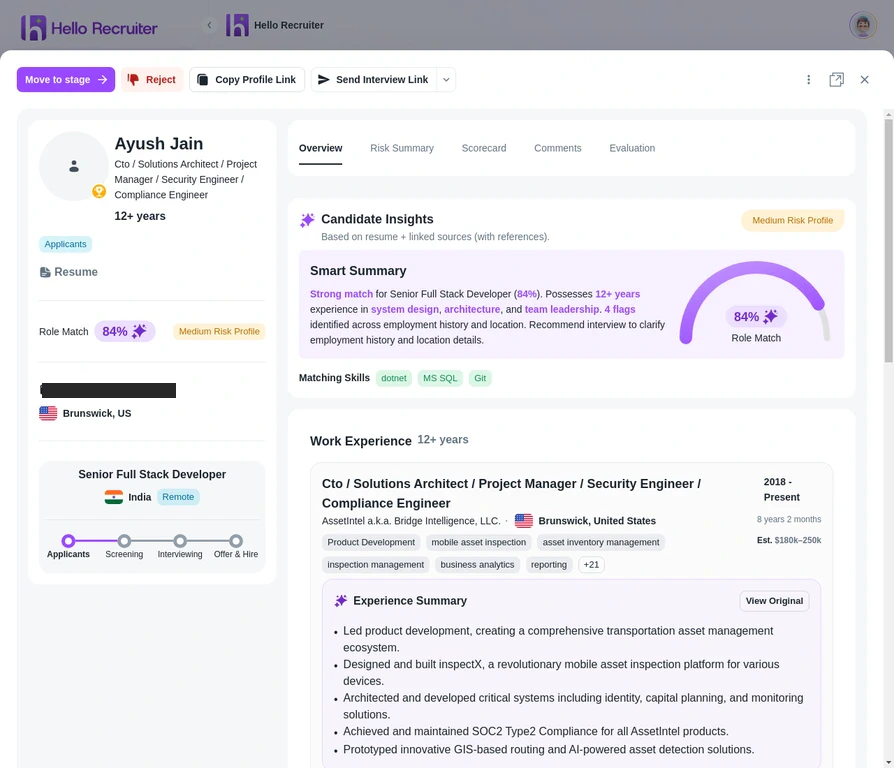
Click on any candidate to view their detailed profile, including their resume, interview responses, scorecard, and any risk signals.
## Candidate Statuses
Each candidate moves through a pipeline of statuses:
| Status | Meaning |
| ------------------------ | ---------------------------------------------------------------------------- |
| **Application Received** | Application received, not yet reviewed |
| **Screening** | AI interview is scheduled or underway |
| **Interviews** | Candidate has completed the AI interview and is ready for further interviews |
| **Offered** | An offer has been extended to the candidate |
| **Hired** | Offer accepted |
| **Rejected** | Not moving forward |
## Candidate Profile
Click on any candidate to view their detailed profile, including their resume, interview responses, scorecard, and any risk signals.
 ## Filtering and Sorting
Use the filter bar to narrow your view:
* **By status** — Focus on specific pipeline stages
* **By score range** — Find top-scoring candidates quickly
* **By risk signals** — Identify flagged candidates
* **By date** — See recent applicants first
**Use the Shortlist status** to build your final consideration set. This makes it easy to compare your top candidates side-by-side when you're ready to make decisions.
## Related Guides
## Filtering and Sorting
Use the filter bar to narrow your view:
* **By status** — Focus on specific pipeline stages
* **By score range** — Find top-scoring candidates quickly
* **By risk signals** — Identify flagged candidates
* **By date** — See recent applicants first
**Use the Shortlist status** to build your final consideration set. This makes it easy to compare your top candidates side-by-side when you're ready to make decisions.
## Related Guides