Step-by-Step Guide
1. Navigate to https://hellorecruiter.ai/
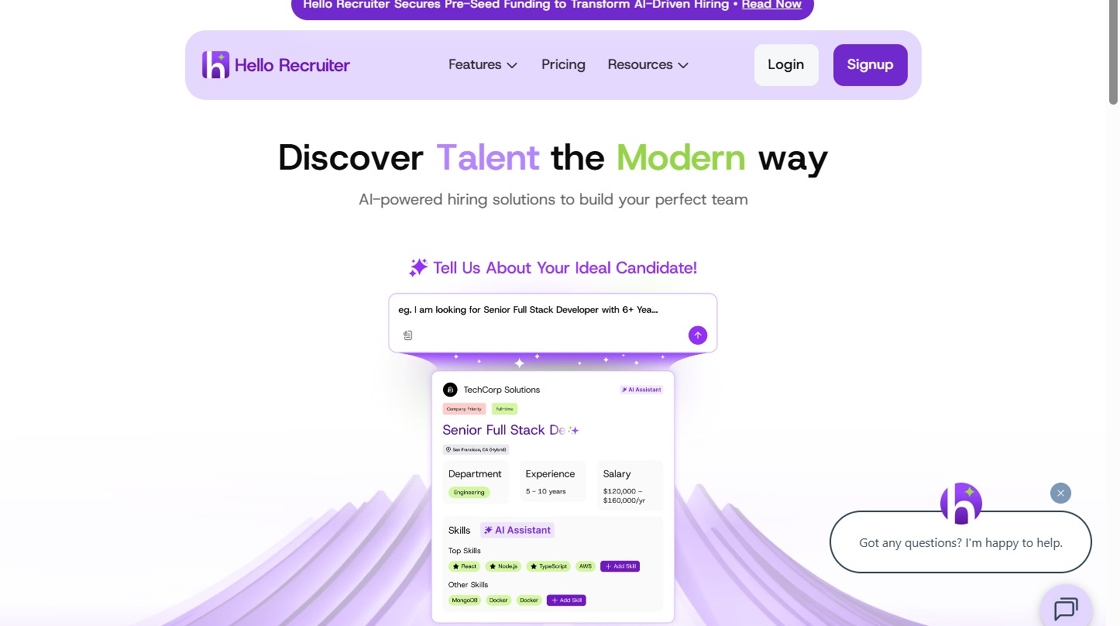
2. Click "Login"
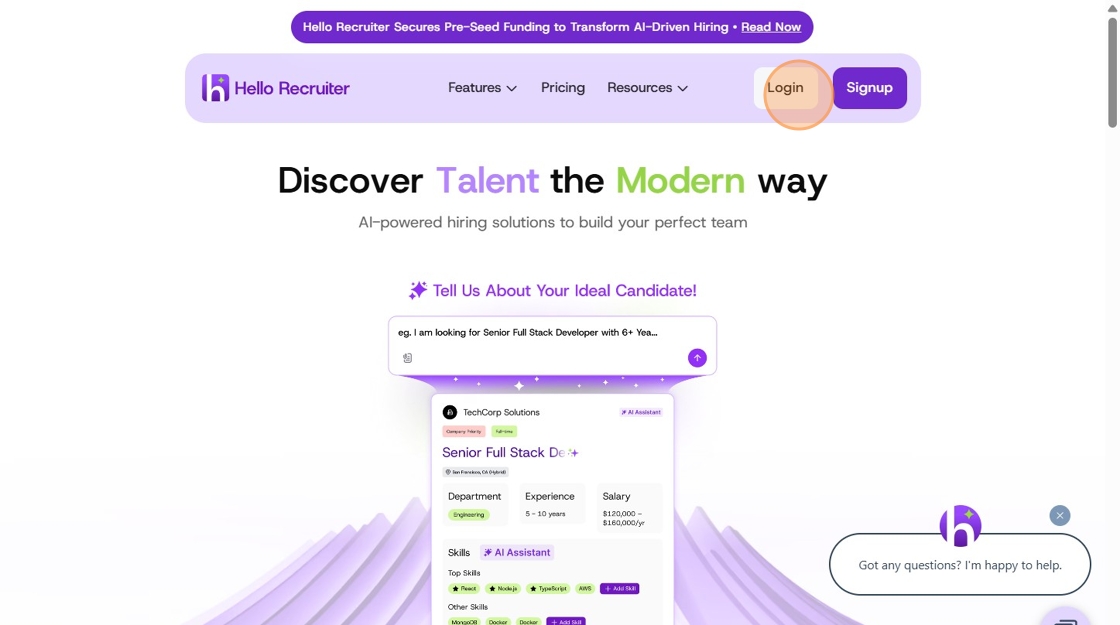
3. Click "Log In"
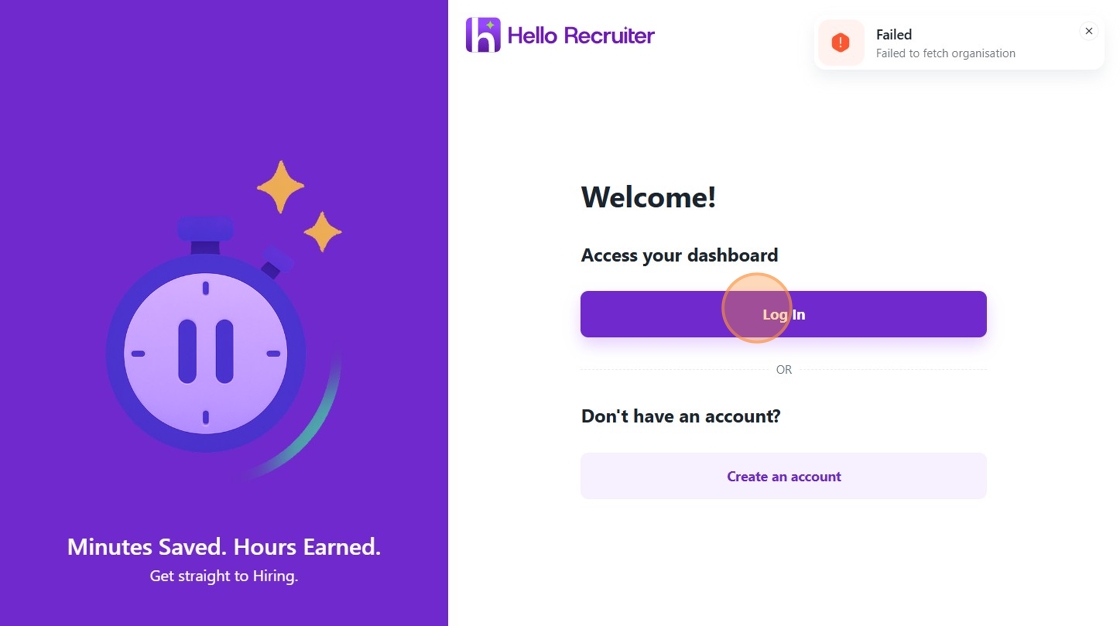
4. Enter your registered email address.
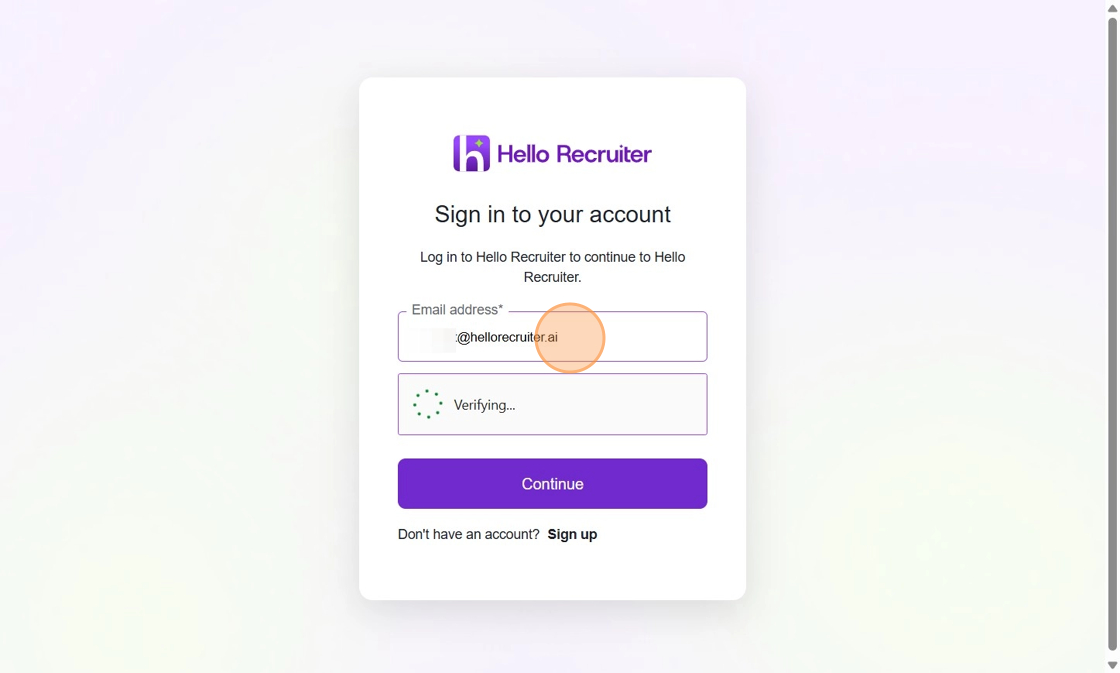
5. Click "Continue"
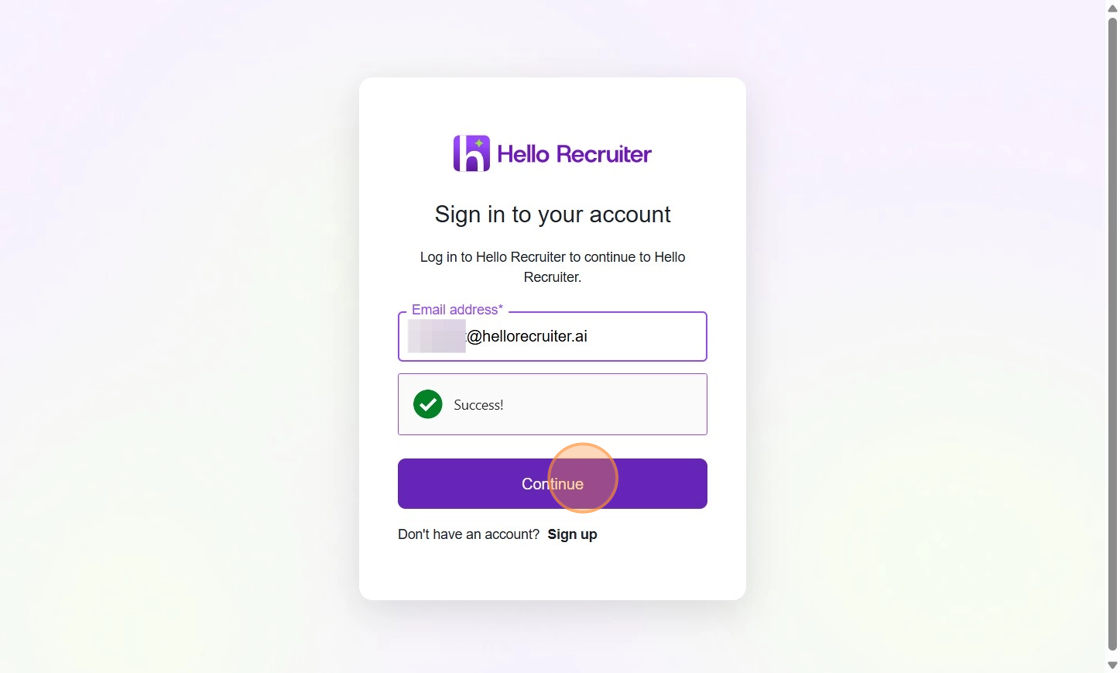
6. Enter your password.
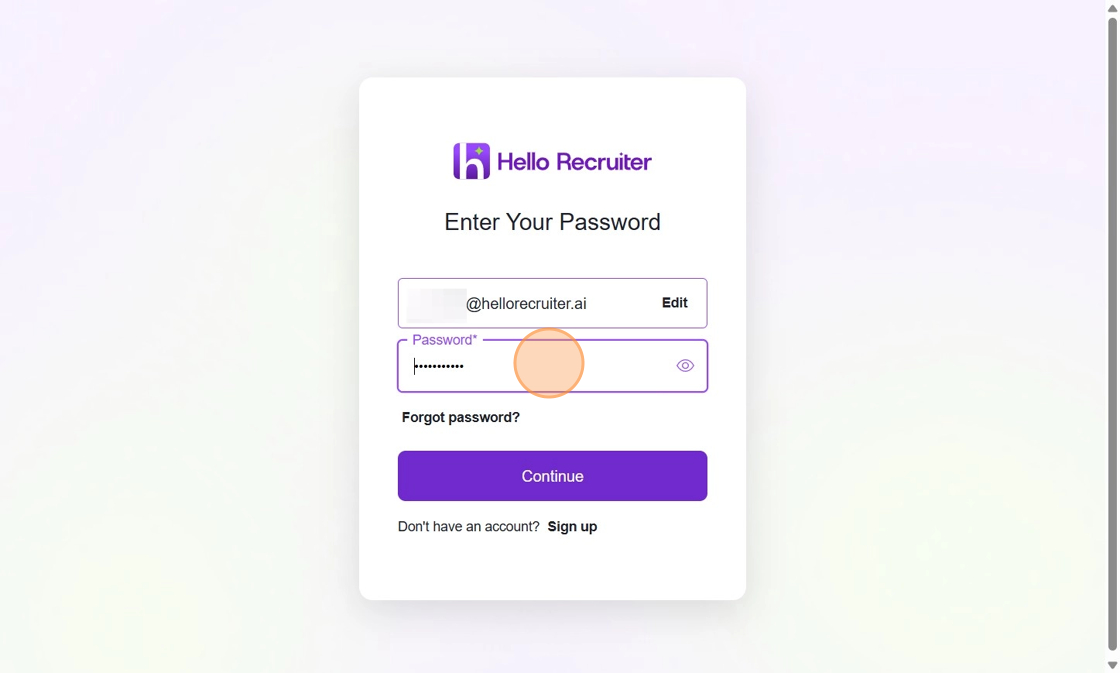
7. Click "Continue"
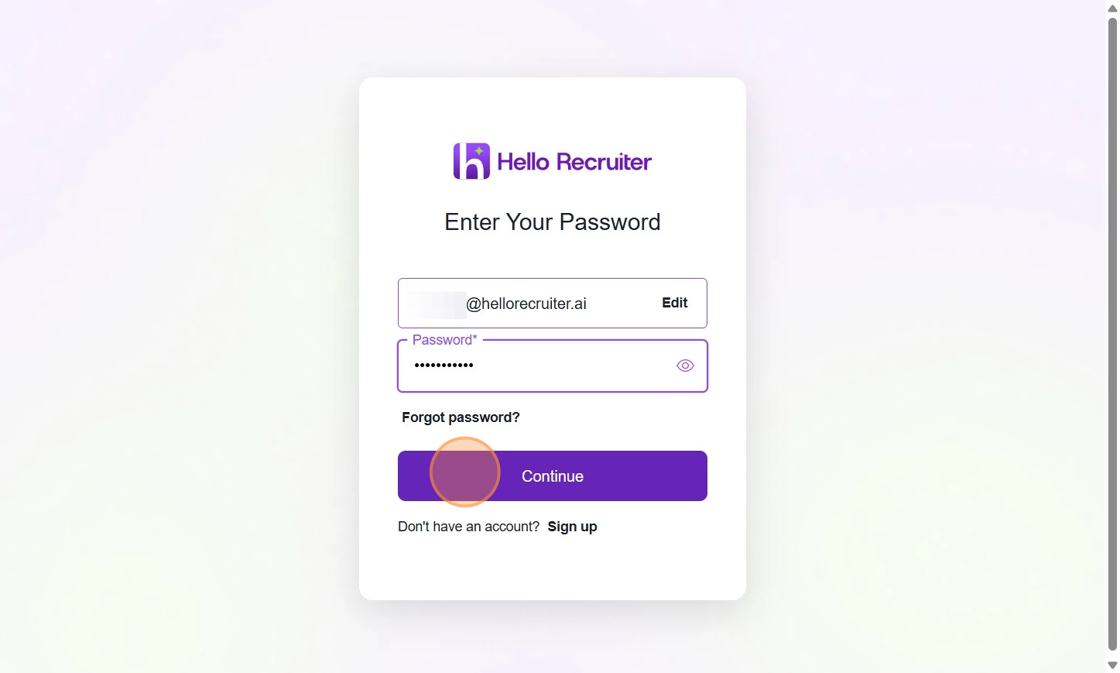
8. Click here.
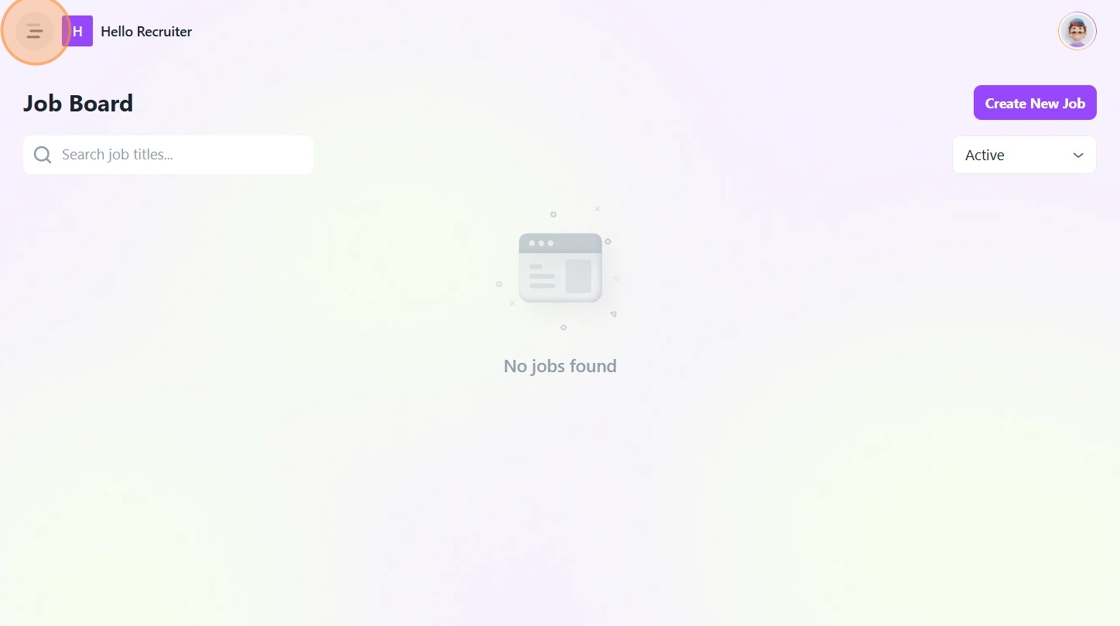
9. Click "Organization Settings"
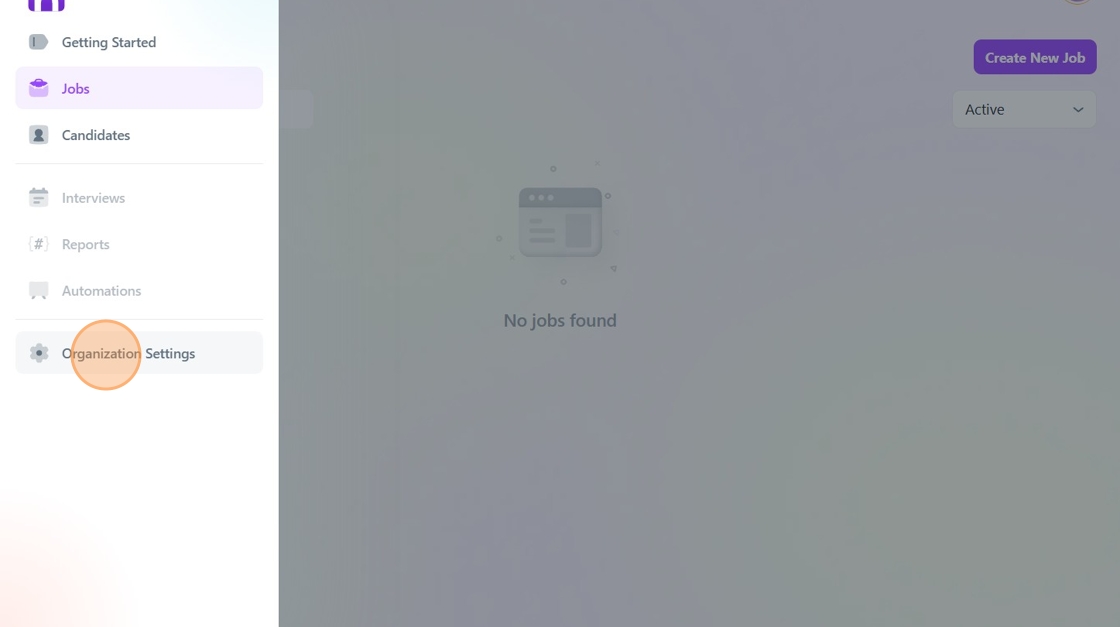
10. If you wish to update your company's logo, click on the "Upload photo" icon and upload your company logo file. You can upload a JPG or PNG file of up to 2 MB with a maximum resolution of 150 x 150 px.
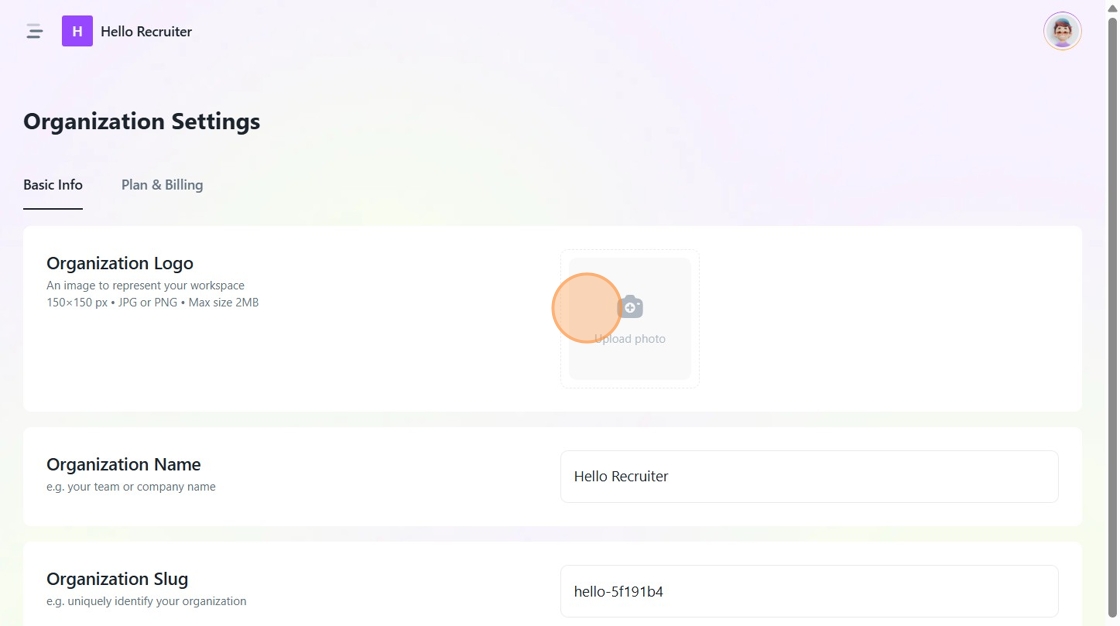
11. If you want to change your company's name, click the "Enter organisation's name" field and enter the new name.
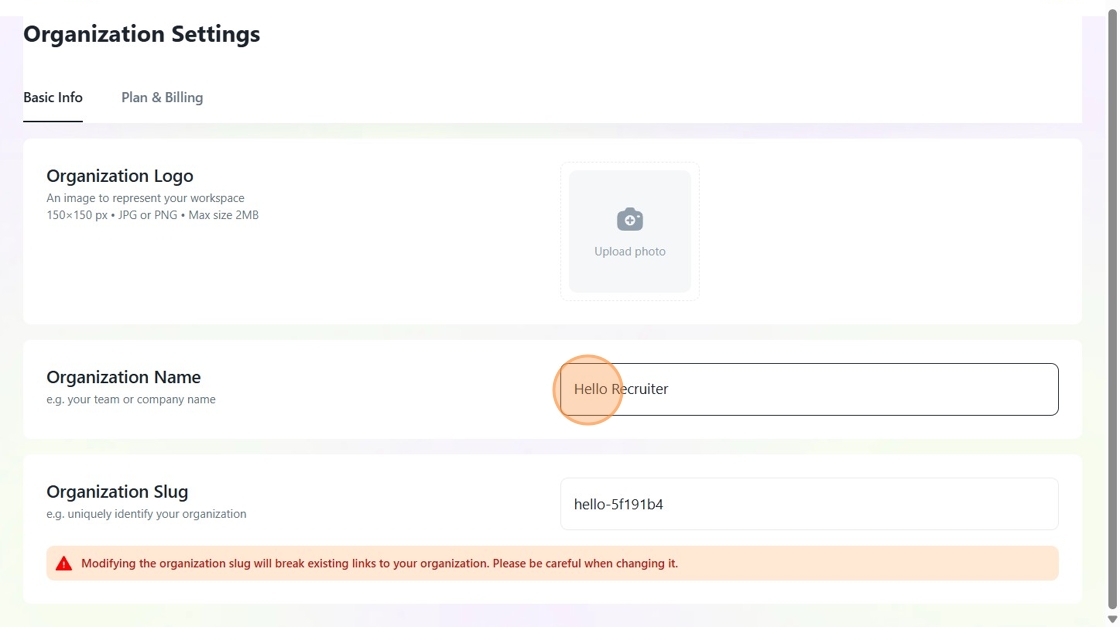
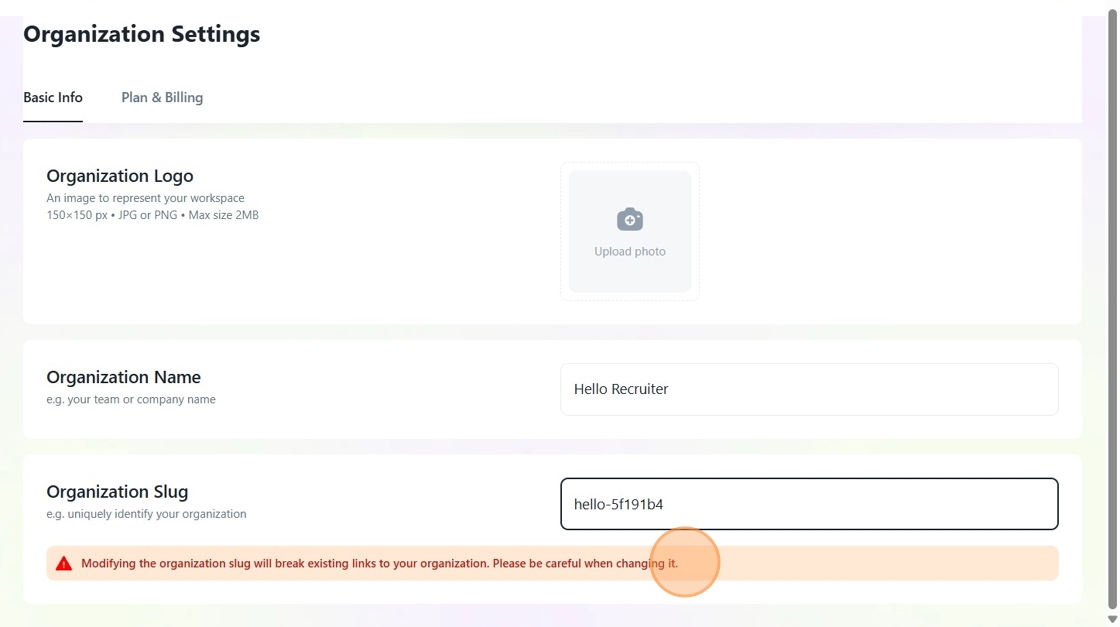
12. In order to update your company's slug on Hello Recruiter platform, click the "Enter organization's slug" field and enter the new slug.
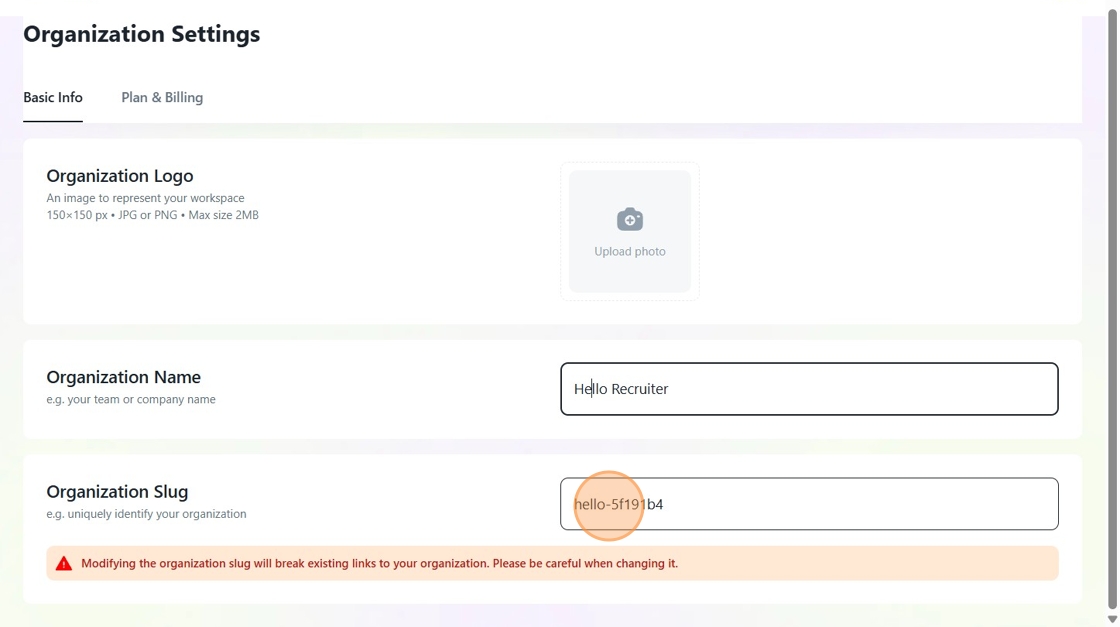
13. Remember that modifying the organization slug will break existing links to your organization. Please be careful when changing it.
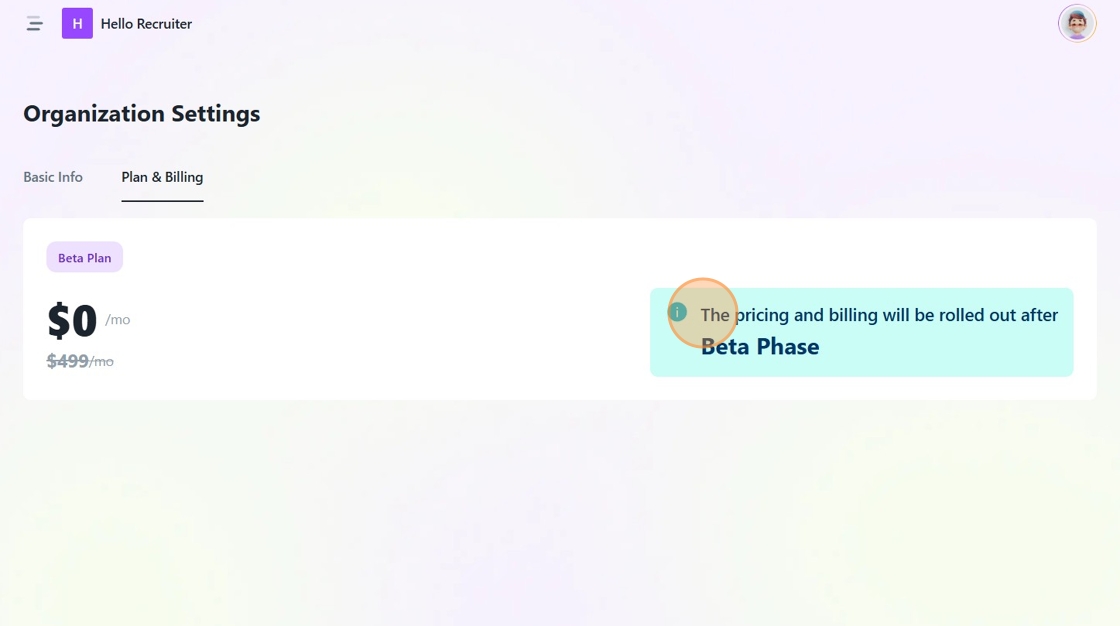
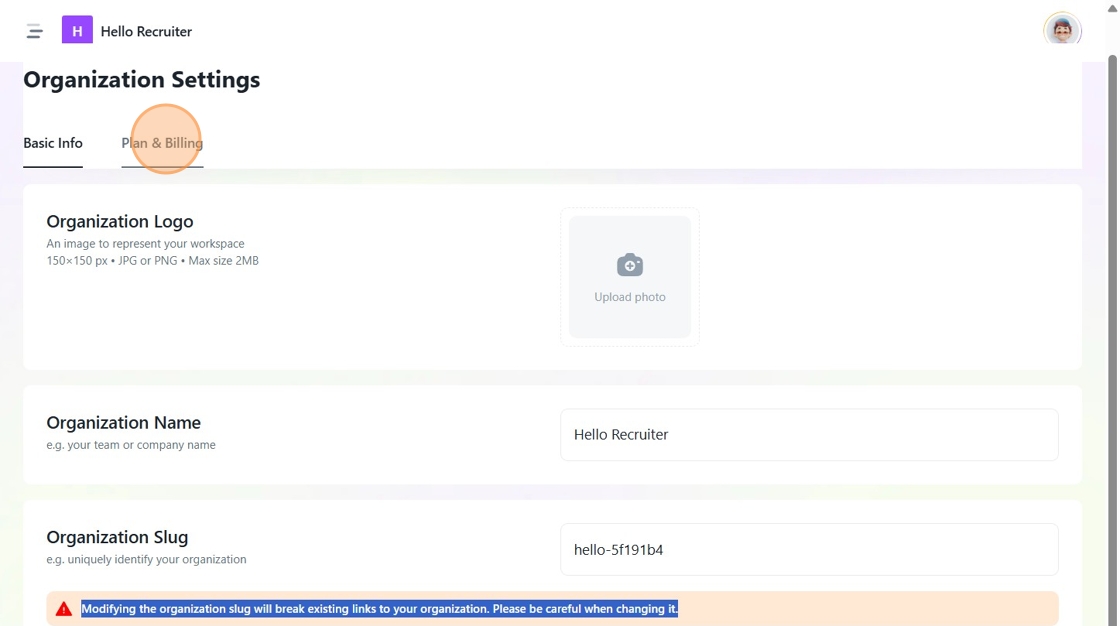
14. If you wish to update your billing settings, click on the "Plan & Billing" tab.
15. Select your new plan from the available options.
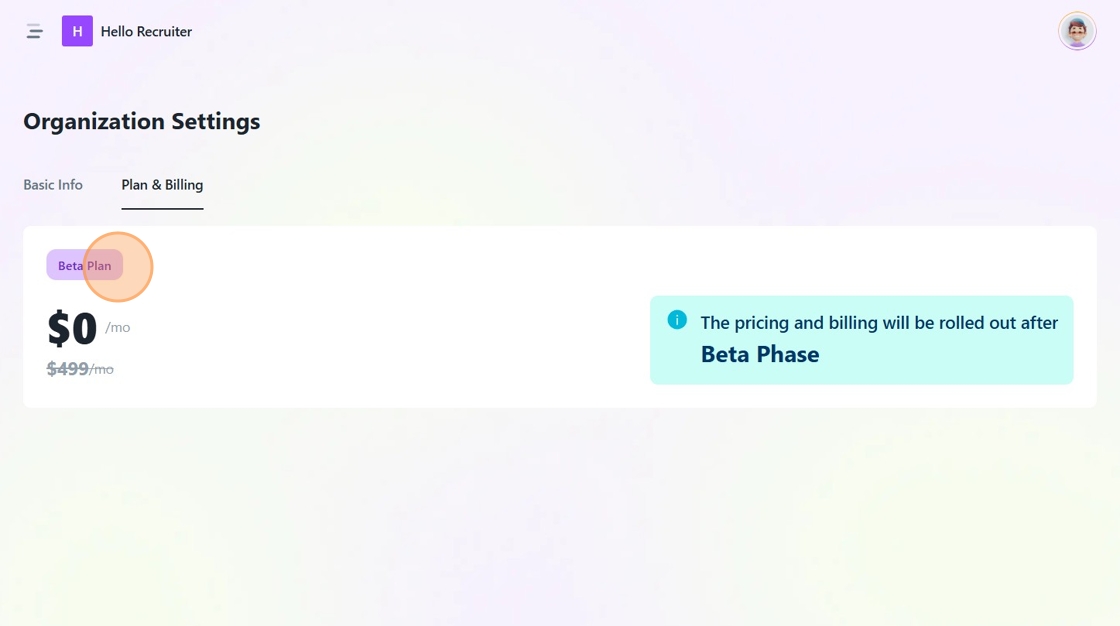
16. Presently we are offering an invite-only beta program only. Updated pricing and billing plans will be rolled out after the full launch. Till then, you can use all our features for absolutely free.